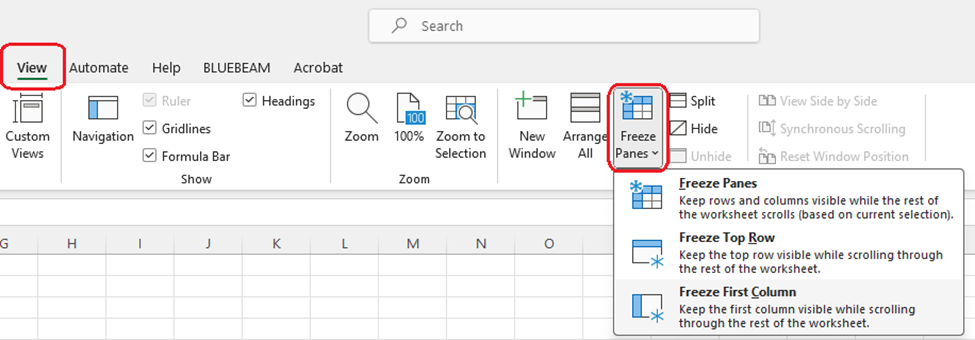
To add an always-visible title, you can place it in the top row of your spreadsheet.
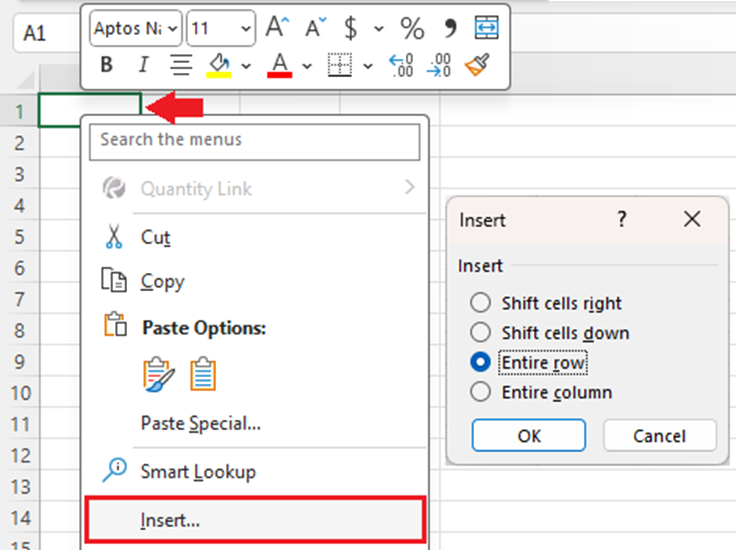
1. First we are going to add a new top row. Right-click cell A1 (the first cell at the top left of your spreadsheet), and choose Insert. Select Entire Row and click OK.
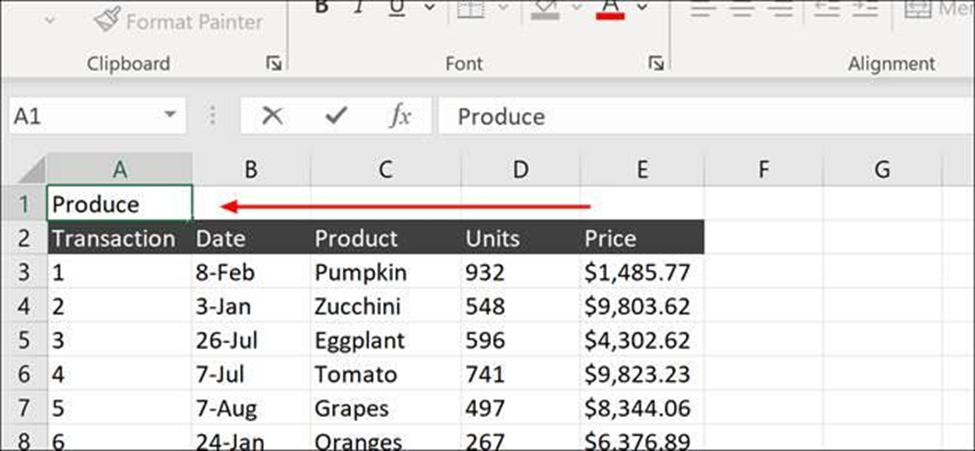
2. Type the title for the spreadsheet anywhere in the new row (the exact cell you choose doesn’t matter, it will be merged).
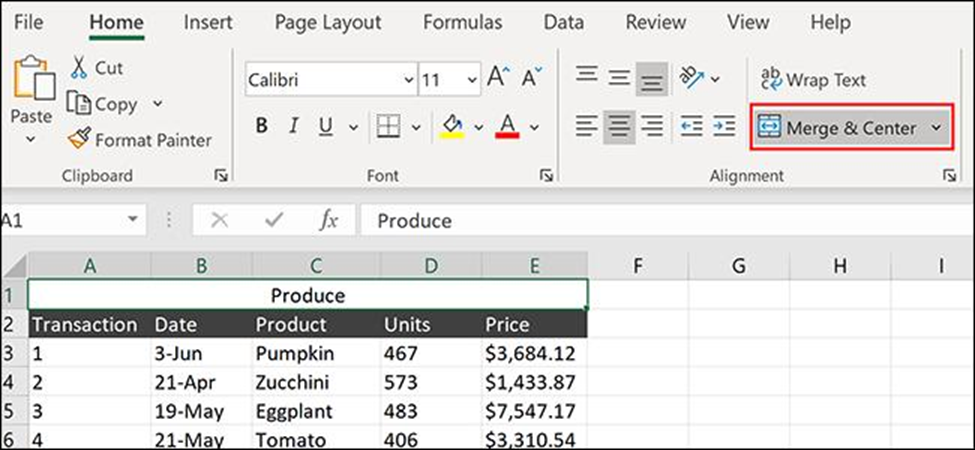
3. Highlight the section of your new row that you want to center your title in. In this case, we’ll highlight from A1 to E1, centering our title within the top row.
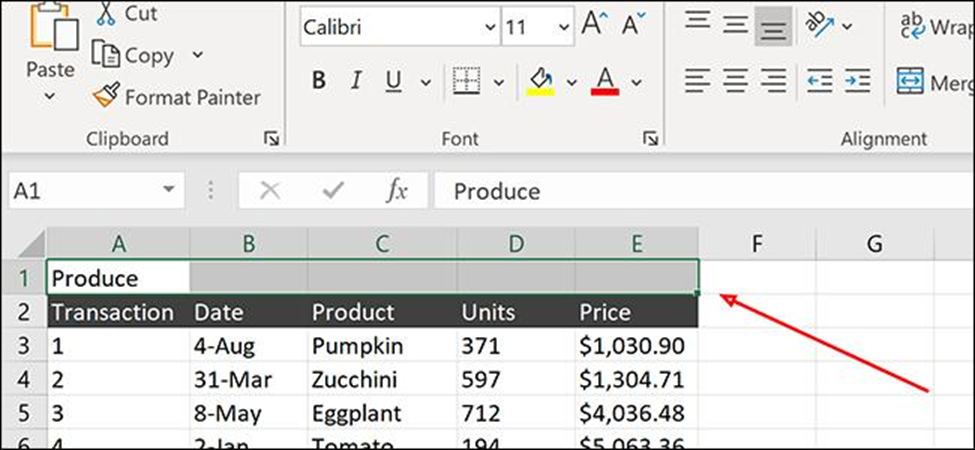
4. Click the Home tab on the Ribbon and click Merge & Center. Your text should now be centered within the new row.
5. To freeze the Top Row, click, on View > Freeze Panes > Freeze Top Row.