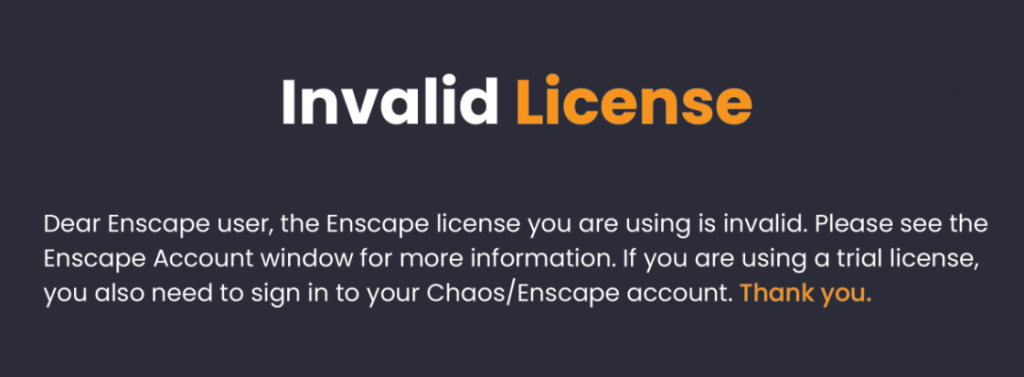
Note: The below is about Enscape version 4.0.2.11 and below. Do not upgrade to version 4.1
Once you have purchased an Enscape, you will receive a license/serial that you will need to activate Enscape on your machine. To activate Enscape, whether fixed seat or floating, open ‘Enscape Account’ window via the Enscape ribbon in the CAD program you’ve installed Enscape for (e.g. SketchUp). Click Licenses, then, click Enter License Key.
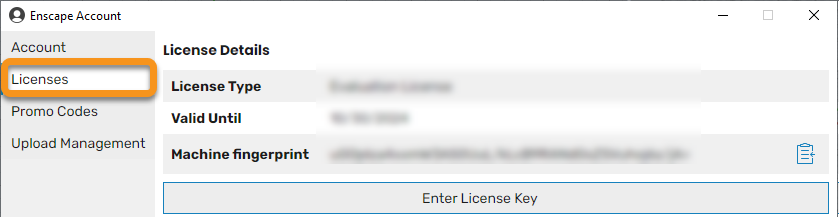
This will then open the window which shows the license details. The following shows the window where the Trial version has expired and therefore no License Key is active.
Click on the Enter License Key button which will open the window where your key can be entered. Make sure to copy the full key and ensure there are no additional spaces or letters copied. Once entered, click on Apply License to activate the license.
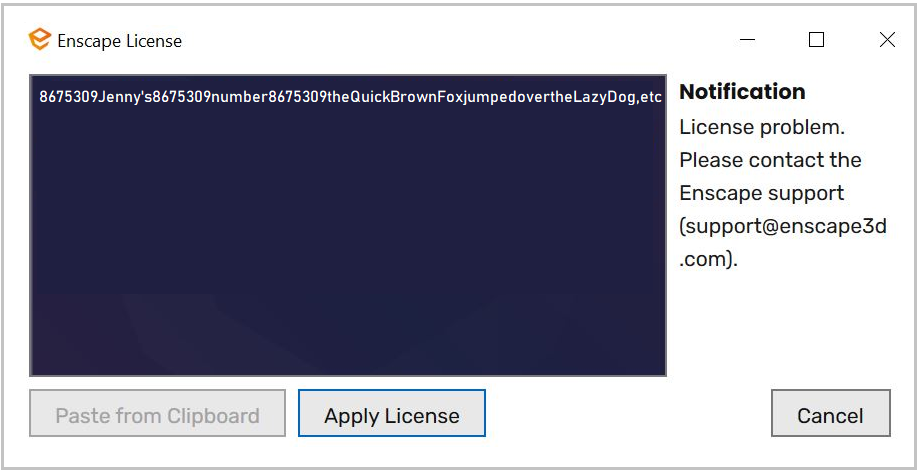
If the activation is successful, you will see “Thank you for using Enscape!” and close the window.
Tip: If you launch Enscape and get a license error, restart your computer.