
Installing ClickOnce for Microsoft Edge and .Net Framework 3.5
Ajera requires a couple of downloads to work. Here are the instructions for downloading and installing the add-in and the framework.
1. Open Microsoft Edge
2. Copy & Paste this URL in Edge and go to the site: https://chrome.google.com/webstore/detail/windows-remix-clickonce-h/dgpgholdldjjbcmpeckiephjigdpikan?hl=en-US
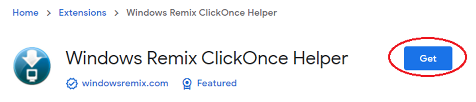
3. Click Get
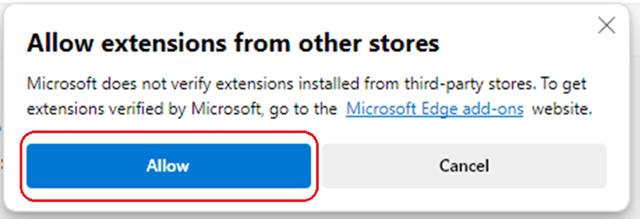
4. Click Allow
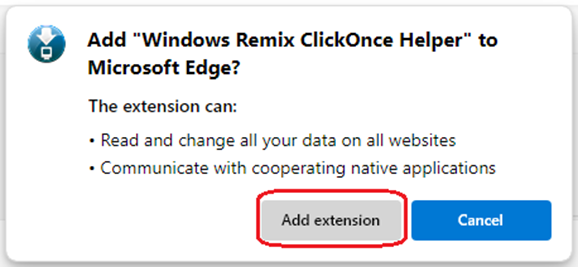
5. Click Add Extension
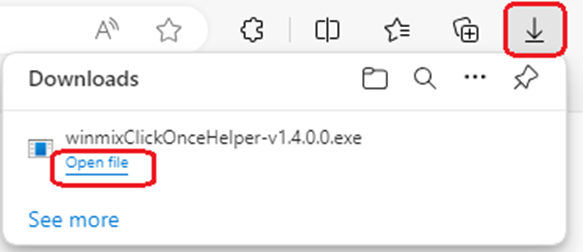
6. An .exe file will download to your downloads folder. – Click Open File.
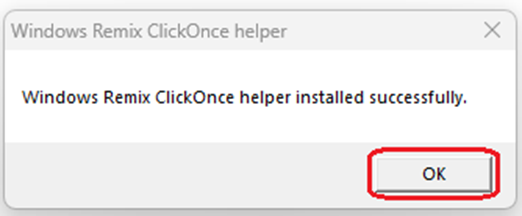
7. You will get a notification that it installed correctly – Click OK
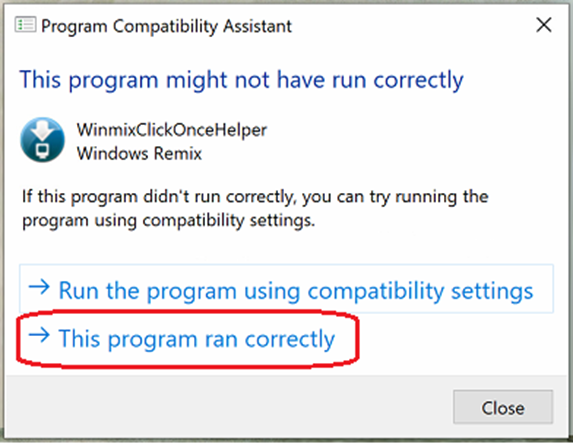
8. Click This program ran correctly
9. Close Edge
10. Relaunch Edge
11. Log into Ajera
Microsoft .NET Framework 3.5
Ajera also needs Microsoft .NET Framework 3.5 to run. Get the installer from the Microsoft Download Center or a direct download here.
1. Click Download and install this feature.
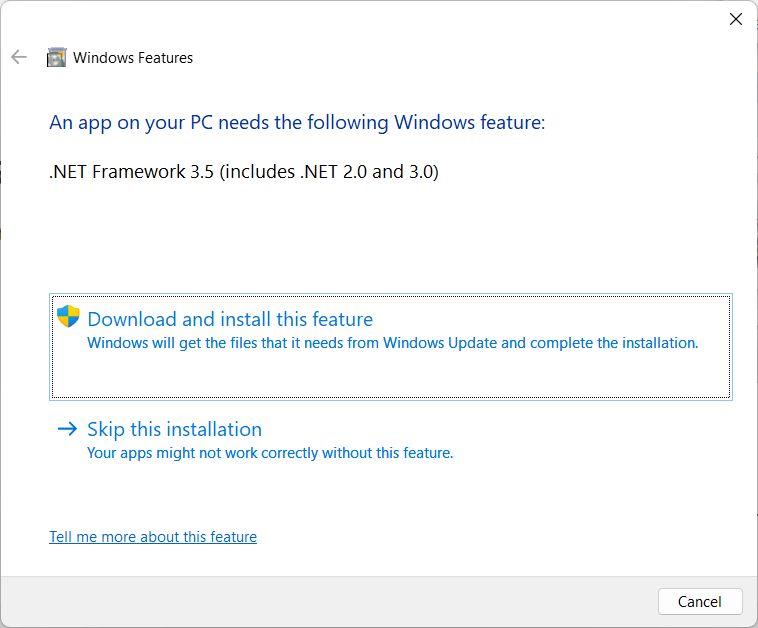
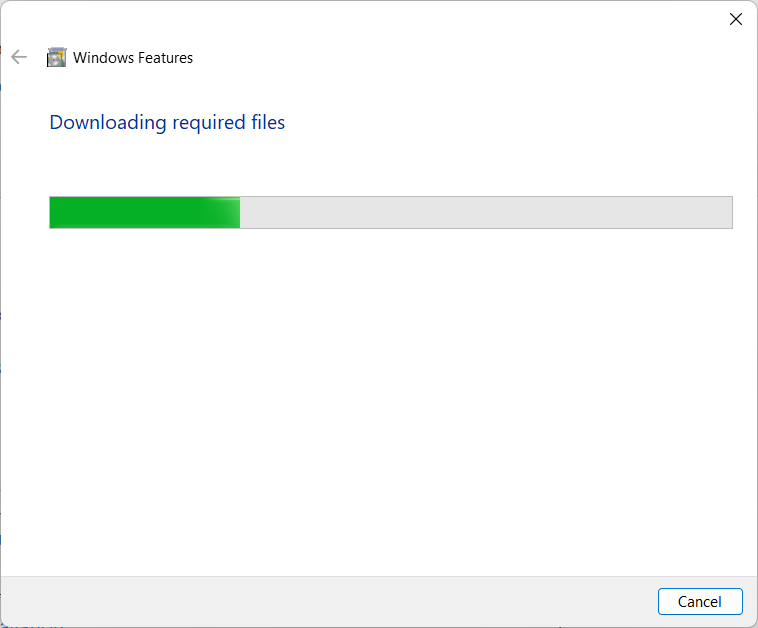
2. It can take a while to download and install, as much as 30 minutes depending on your internet connection speed. Be patient.
3. Click Close
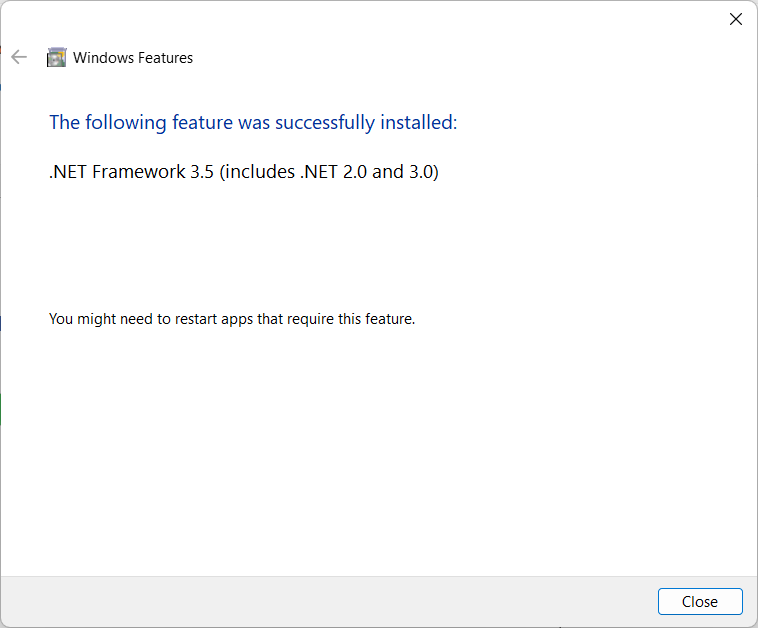
4. After installation, it would be best practice to restart the computer.